
Turn Pictures into Editable PowerPoint Slides
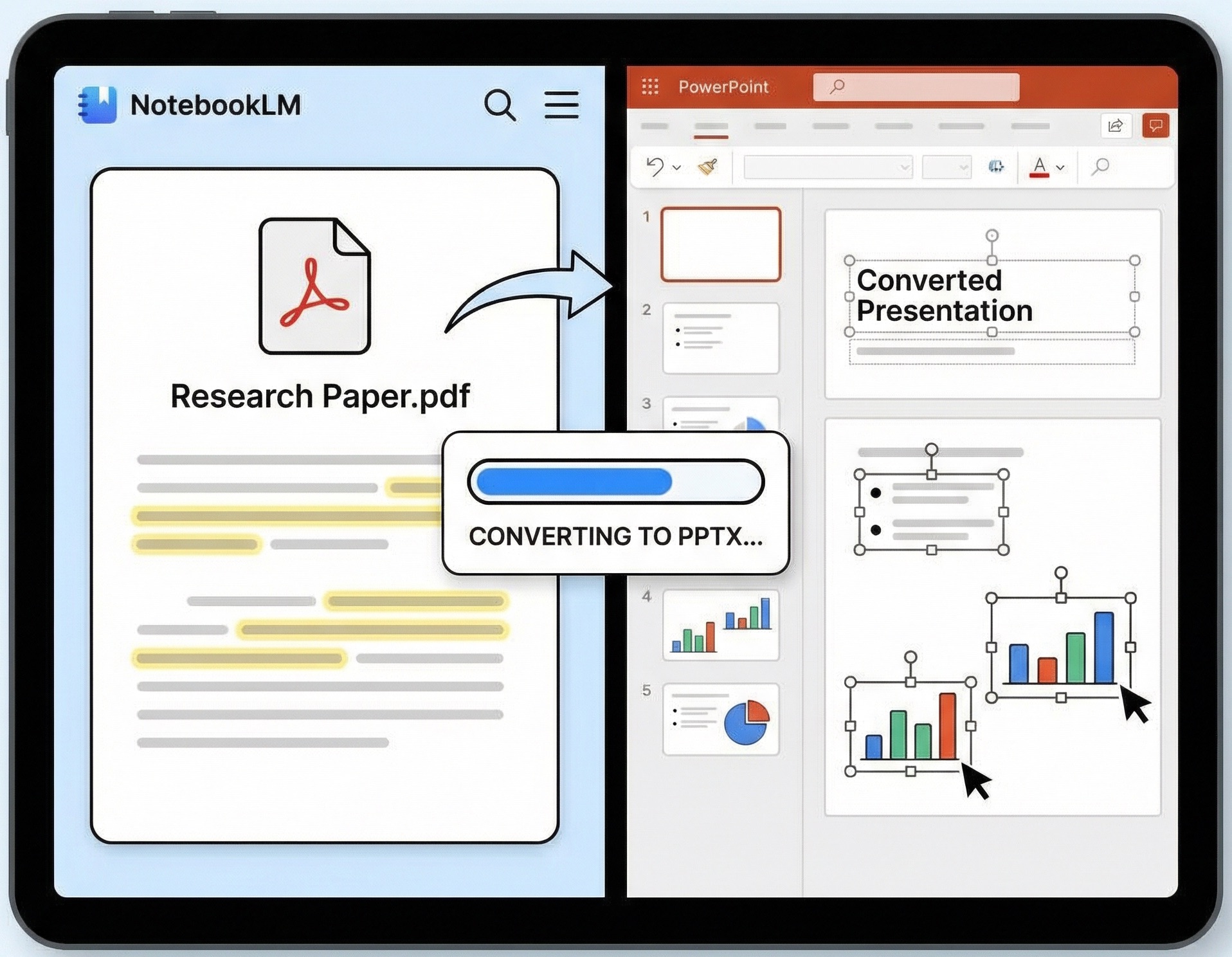
AI-powered OCR converts image-based PDFs, screenshots, and NotebookLM slides into fully editable PPTX — text, shapes, and tables all intact.
Supported formats: PDF, JPG, PNG, BMP, TIFF
Convert Image to Editable PPTX in 3 Easy Steps
Upload Your File
Drag and drop your image, screenshot, or NotebookLM PDF into the secure upload area.
AI Layout Reconstruction
Our advanced OCR PPT converter analyzes the file, identifying text, shapes, and tables to rebuild the original layout.
Download Editable PPTX
In seconds, your file is ready. Download a native PowerPoint deck where every element is fully customizable.
Convert NotebookLM Slides to Editable PPT
Why your NotebookLM slides are "locked" and how to fix it.
NotebookLM is a revolutionary tool for synthesizing research into presentations. However, there is a major hurdle: the exported slides are saved as flat images inside a PDF. This means you can't edit the text, change the theme, or adjust the layout once you've exported.
pic2pptx is the first tool specifically optimized for the NotebookLM slides to PPT workflow. Instead of just "extracting" text into a messy document, our engine "explodes" the flat images back into native PowerPoint elements.
- Rebuild the Deck: Turn static PDF pages into dynamic, editable slides.
- Preserve Insights: Keep the brilliant structure generated by NotebookLM while gaining the freedom to polish it.
- Boardroom Ready: Go from AI research to a professional presentation in under 60 seconds.
Why Choose pic2pptx for Image to PPT Conversion?
Native Editability
We don't just put an image on a slide. We create real text boxes, editable vector shapes, and native PowerPoint tables. You can change fonts, colors, and sizes just like a deck you built from scratch.
Structural Layout Preservation
Most converters lose the "feel" of the original. pic2pptx uses structural OCR to maintain the hierarchy, alignment, and spacing of your source material, ensuring a professional look.
High-Precision OCR Engine
Our OCR PPT converter supports over 13 languages and handles complex technical jargon, handwritten notes, and low-resolution screenshots with 99%+ accuracy.
Batch Processing
Have a 50-page research PDF or a folder full of screenshots? Upload them all at once. Our batch engine processes multiple files simultaneously to save you time.
Privacy & Security
Your data is your business. All uploads are encrypted with AES-256, and our system automatically wipes all files from our servers 60 minutes after processing.
Zero Friction
No accounts, no "free trial" credit cards, and no email captures. Just a fast, free, and powerful tool that works when you need it.
Frequently Asked Questions
Yes! This is one of our core strengths. We specialize in taking the "image-only" PDFs exported by NotebookLM and reconstructing them into fully editable PowerPoint files.
You get real, editable text. Our AI identifies text blocks and converts them into standard PowerPoint text boxes, allowing you to edit every word.
We support all major formats, including JPG, PNG, BMP, and TIFF, as well as multi-page PDF documents.
Our OCR is highly optimized for presentation layouts. It maintains high accuracy even with complex backgrounds or non-standard fonts, making it a leading OCR PPT converter.
Yes. Our "Layout Reconstruction" technology ensures that shapes, background colors, and element positioning remain as close to the original as possible.
The tool is completely free for standard use, and no signup is required. You can start converting your images to editable PPTX immediately.
Absolutely. We use industry-standard encryption and a strict auto-delete policy to ensure your files remain private and secure.